Doyouok for n8n Is Now Verified by n8n
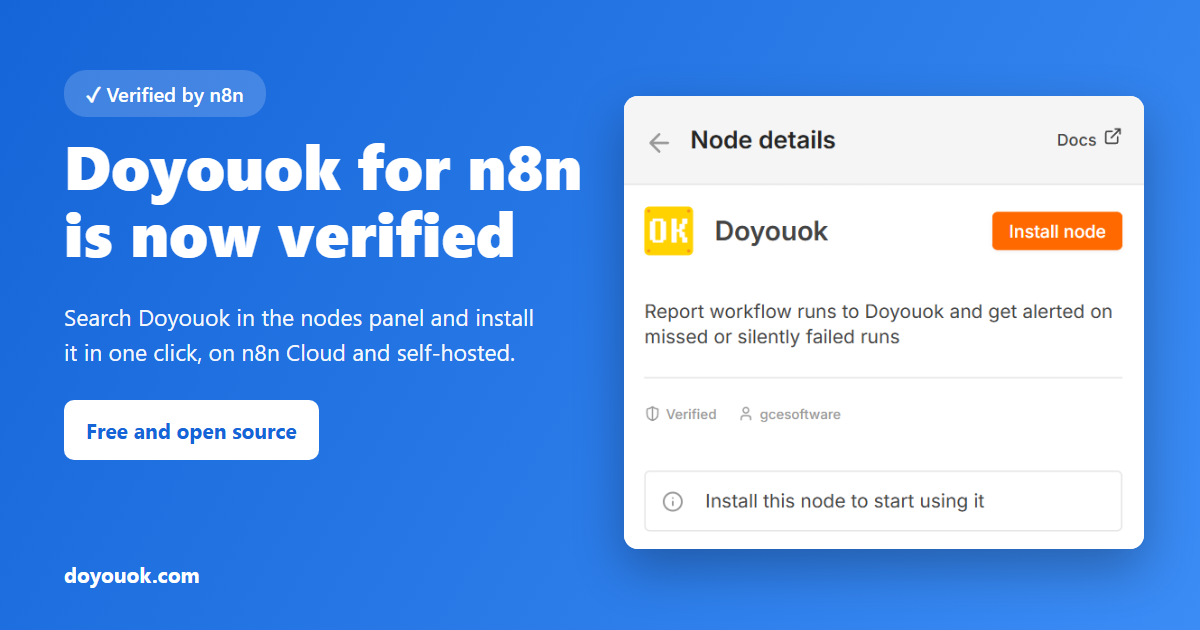
Good news for everyone who runs scheduled jobs in n8n: the Doyouok node is now verified by n8n. The n8n team reviewed the node, and it is now listed right inside n8n's nodes panel, including on n8n Cloud.
What changes for you
Before, you had to install the node by its npm package name on a self-hosted n8n, and it was not available on n8n Cloud at all. Now:
- It works on n8n Cloud. Cloud users can add Doyouok to their workflows like any other node.
- No package name to type. In any workflow, open the nodes panel, search for Doyouok, select it under More from the community and press Install node.
- It carries n8n's Verified badge, so you can see it was reviewed by n8n before you install it.
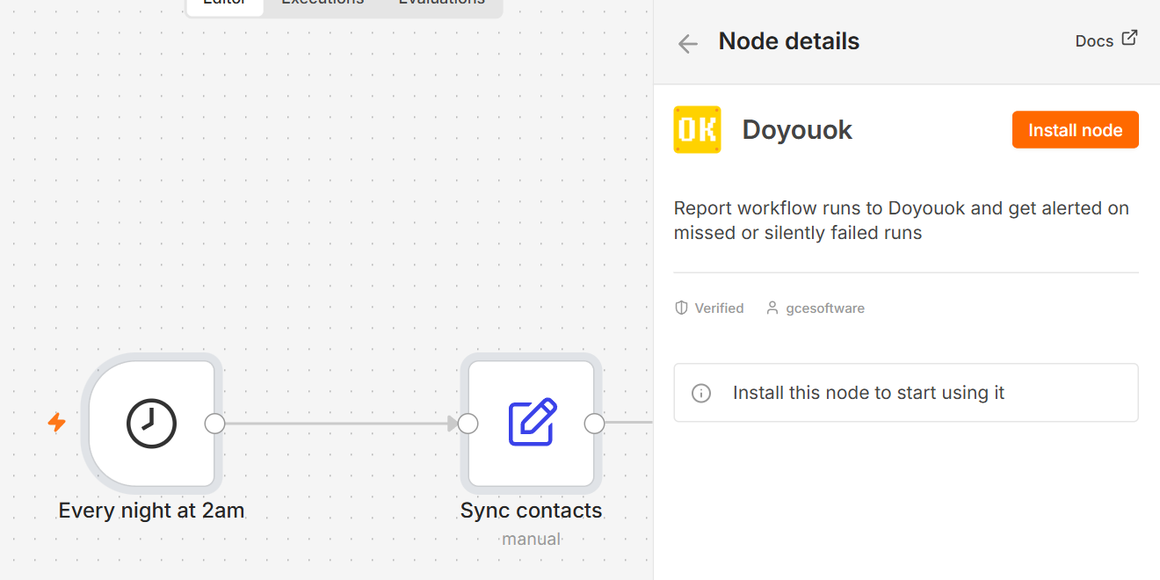
Only the instance owner or an admin can install it; after that every member can use it. If you are on n8n Cloud and Doyouok does not show up, ask your instance owner to check that Verified community nodes is turned on in Instance settings in the n8n Cloud console. Self-hosted n8n can still install n8n-nodes-doyouok from Settings > Community Nodes, as before.
What the node does
Scheduled workflows fail in two ways: they don't run at all, or they run and quietly get it wrong, like a sync that synced 0 contacts. n8n shows the second kind as a green, successful execution. Add the Doyouok node at the end of a workflow and it catches both: it creates a check for the workflow by itself, and alerts you by email, Telegram, Slack or Discord when a run is missed or the result fails your conditions.
The full walkthrough is in Catch n8n Workflows That Fail Silently with the Doyouok Node, and there is a one-minute video of the setup on YouTube.
Free to start
The node is free and open source. Each monitored workflow uses one check from your Doyouok plan, and the Free plan includes 5 checks with no credit card.